RGB Lighting Controls
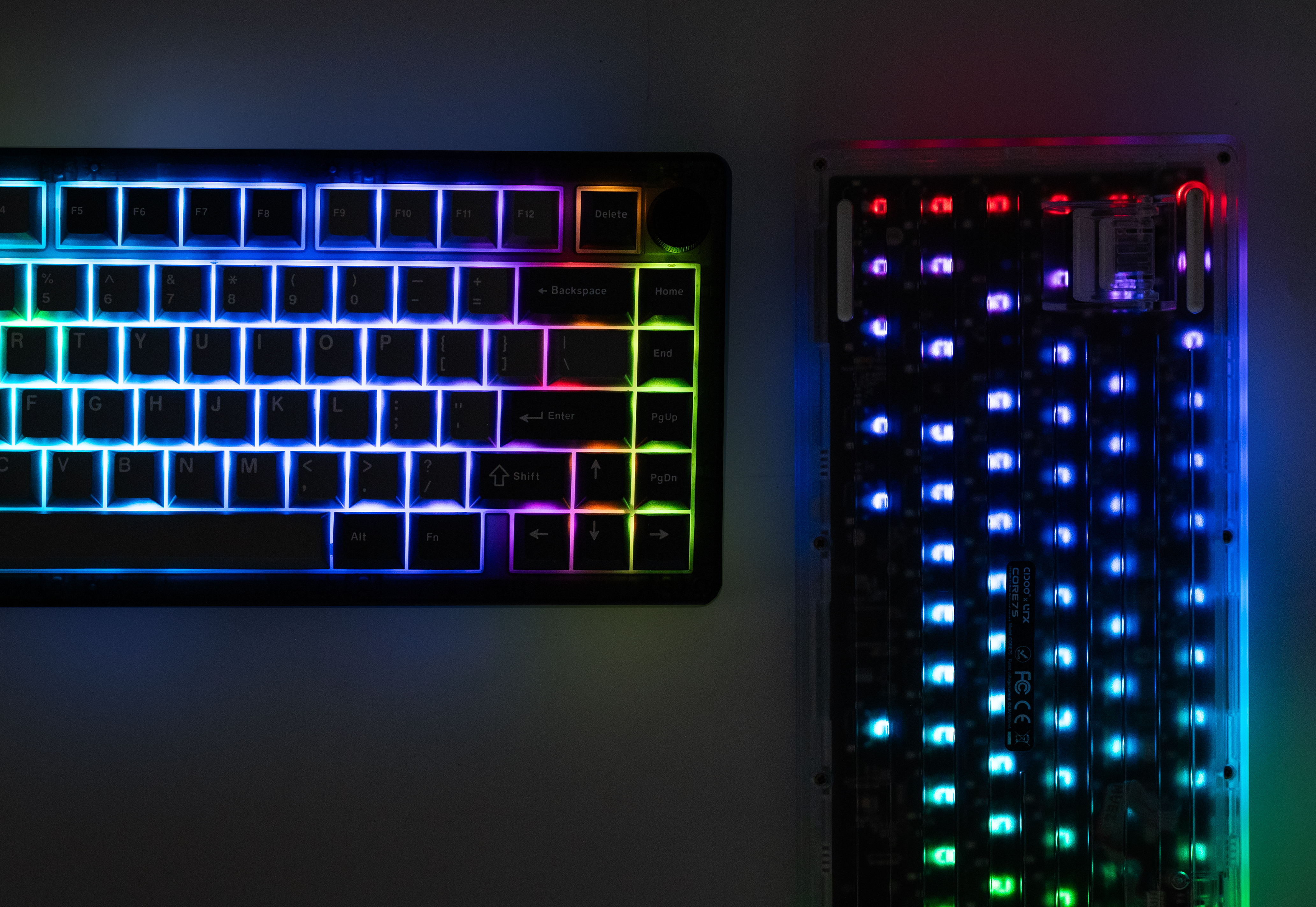
The URX Core75 is equipped with a vibrant, north-facing RGB backlight system. You can cycle through 50+ built-in RGB effects, adjust colors, modify animation speed/brightness, and customize battery-saving sleep parameters.
Note
It is known that Per Key RGB can sometimes crash VIA when keys are updated rapidly. Fix.
Onboard Backlight Commands
You can control all basic lighting features directly from your keyboard by holding the FN key and pressing the keys indicated below:
| Combination | Control Target | Action / Effect |
|---|---|---|
| FN + \ | Lighting Mode | Cycles through the 50+ built-in RGB effects (e.g., Wave, breathing, solid, reactive). |
| FN + PgUp | Next Palette+ | Cycles forward to the next built-in color palette. |
| FN + PgDn | Next Palette- | Cycles backward to the previous built-in color palette. |
| FN + ▲ (Up Arrow) | Brightness + | Increases the backlight brightness. |
| FN + ▼ (Down Arrow) | Brightness - | Decreases the backlight brightness. |
| FN + ◄ (Left Arrow) | Animation Speed - | Slows down dynamic lighting effects. |
| FN + ► (Right Arrow) | Animation Speed + | Speeds up dynamic lighting effects. |
| FN + Backspace | Backlight Toggle | Turns the RGB backlighting ON or OFF instantly. |
Wireless Brightness Power Limit
To maximize battery health and run-time, the QMK firmware automatically limits the maximum RGB brightness to 170 (out of 255) when the keyboard detects it is running in wireless mode (2.4GHz or Bluetooth).
-
Unlock Full Brightness: Press FN + F to override the power limit and unlock full 255 maximum brightness in wireless mode.
Warning
Using full brightness in wireless mode will decrease the battery life much faster.
PaletteFX and Built in Effects
The URX Core75 features 50+ built-in RGB effects, including 6 dedicated PaletteFX modes (Gradient, Flow, Ripple, Sparkle, Vortex, and Reactive).
Custom Color Palettes
Using the VIA configurator, when any of the PaletteFX modes are active, you can select from 16 custom color palettes to color the animation:
| 1. Afterburn | 2. Amber | 3. Bad Wolf | 4. Carnival |
| 5. Classic | 6. Dracula | 7. Groovy | 8. Not Pink |
| 9. Phosphor | 10. Polarized | 11. Rose Gold | 12. Sport |
| 13. Synthwave | 14. Thermal | 15. Viridis | 16. Watermelon |
Note
To know more and customize PaletteFX, check out the PaletteFX documentation.